Register
Map physical repositories to non-overlapping paths in a versioned Home manifest.
Vex stitches selected physical repositories into one flat working checkout. Teams and agents can navigate a connected system while every path keeps its durable owner, history, and GitHub home.
Home is one working view, not one new physical store. Submission routes work back to each repository owner, while each component keeps its own landing boundary.
apps/web← web @ mainservices/api← api @ mainservices/worker← worker @ mainapps/web/
services/api/
services/worker/Submit edits by path
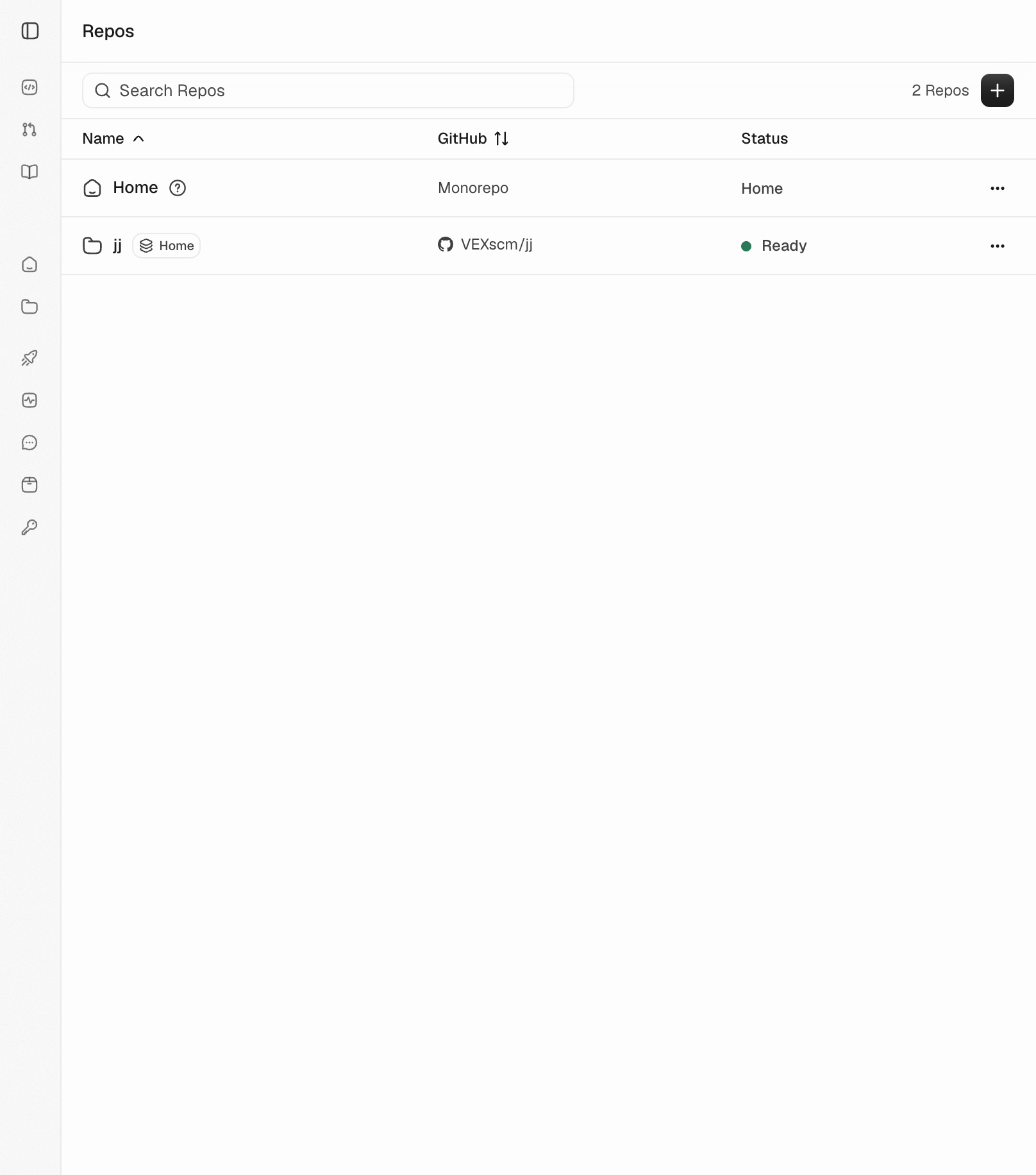
Running product
Home and jj remain separately addressable while jj is registered inside the shared Home and keeps its GitHub identity.
This registry proves federation state, not aggregate cross-repository landing.
/vex/repos
Vex organization · 11 Aug 2026
Map physical repositories to non-overlapping paths in a versioned Home manifest.
Clone one flat Vex and Jujutsu working copy with vex clone <org>/home.
Read and edit connected code without erasing repository ownership boundaries.
Submit from Home and create revisions in the repositories that own each path.
Start with proof